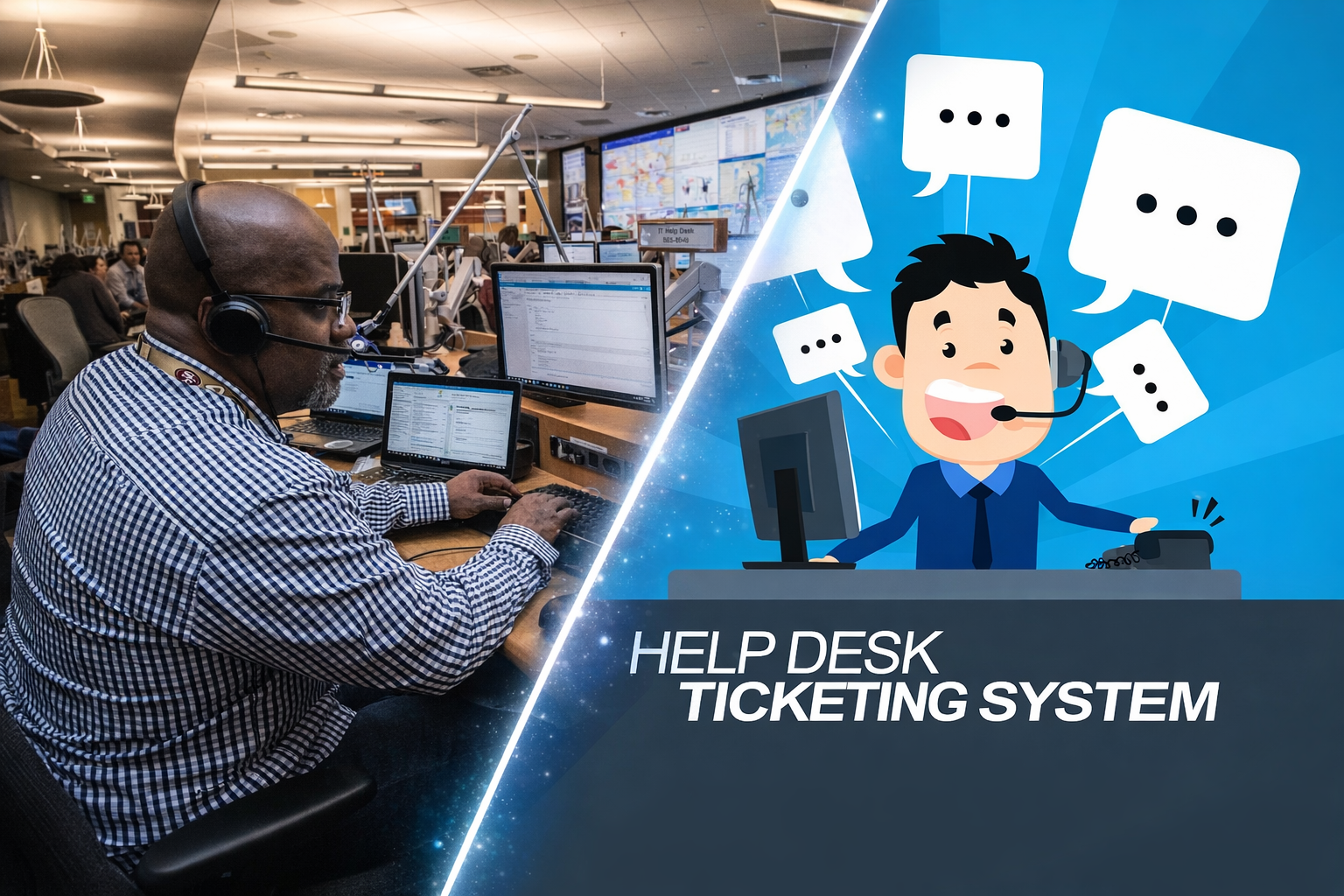
What This Capstone Is (And Why It Matters)
This lesson is designed as a bridge between ITF+ fundamentals and A+ support thinking. Earlier ITF+ lessons taught you the map — hardware, software, networking, security, and troubleshooting concepts.
Now you apply those ideas in realistic beginner help desk scenarios. You’ll practice classification, priority, safe troubleshooting, escalation, and clear documentation.
This is where ITF+ stops being just definitions and starts becoming entry-level support thinking.
Your Help Desk Playbook (60-second version)
1) Scope (one user vs many) • 2) Priority (impact + urgency) • 3) Safest next step • 4) Verify + Document • 5) Escalate if you hit limits.
Core tools you’ll practice today
- Task Manager / Activity Monitor: CPU/RAM/Disk/Network usage
- Event Viewer / Logs: “why it happened” clues
- Device Manager: driver issues / device status
- ipconfig/ifconfig + ping + nslookup: basic network checks
- Account tools: lockout resets, permissions groups
A+ Bridge: what comes next
You’re ready to begin moving into CompTIA A+. ITF+ teaches core concepts. A+ takes those concepts and applies them to real support work.
A+ goes deeper into:
- Hardware troubleshooting and PC components
- Windows tools and system administration
- Networking (DHCP, DNS, Wi-Fi troubleshooting)
- Mobile devices and printers
- Operational procedures and real ticket workflows
Your next steps:
- Complete the simulator below
- Score ≥75% on the quiz
- Start the A+ Bridge page
- Begin weekly hands-on labs (VM or real PC)
Now run your capstone shift. Your goal is not to guess — it’s to choose safe, repeatable actions and document clearly.
Workflow + Toolkit Diagram
Capstone Practical — Beginner Help Desk Simulator (8 ticket scenarios)
Choose the best classification, priority, tool, first safe action, and escalation decision. Then write a 2–4 line ticket update.
Quiz — 15 Questions (Pass ≥ 75%)
Bridge scenarios: choose the right tool, the safest next step, when to escalate, and what to document.
Next Step: Start the A+ Bridge
localStorage.
Clearing site data resets completion/unlock.