Software, Operating Systems, and Firmware
In Lesson 1 you learned the hardware model. Now we move up a layer: software. Most attacks exploit software—not hardware—so understanding the layers makes cybersecurity feel logical.
What is software?
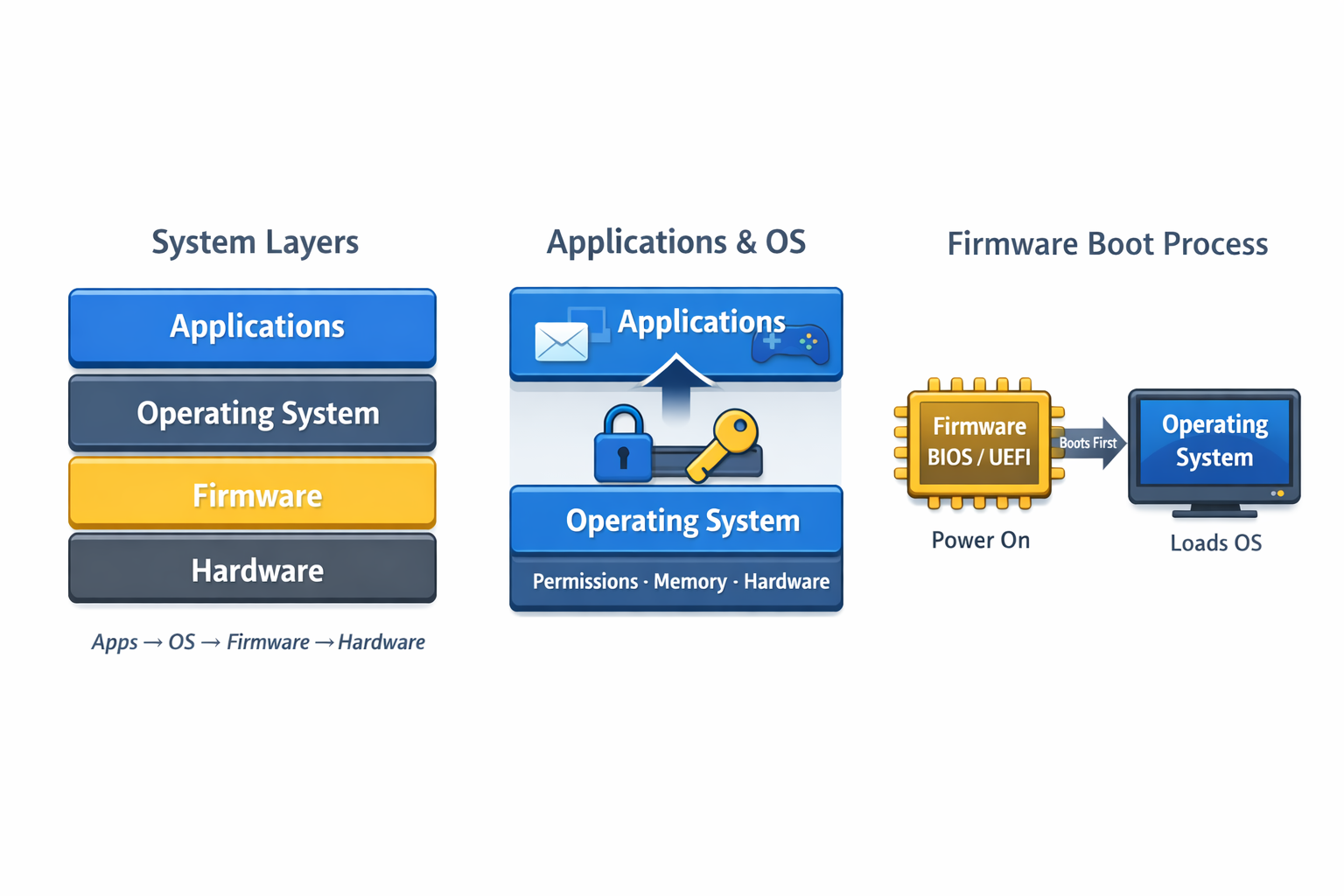
Software is a set of instructions that tells hardware what to do. For ITF+, focus on these layers: applications, the operating system, and firmware.
Applications
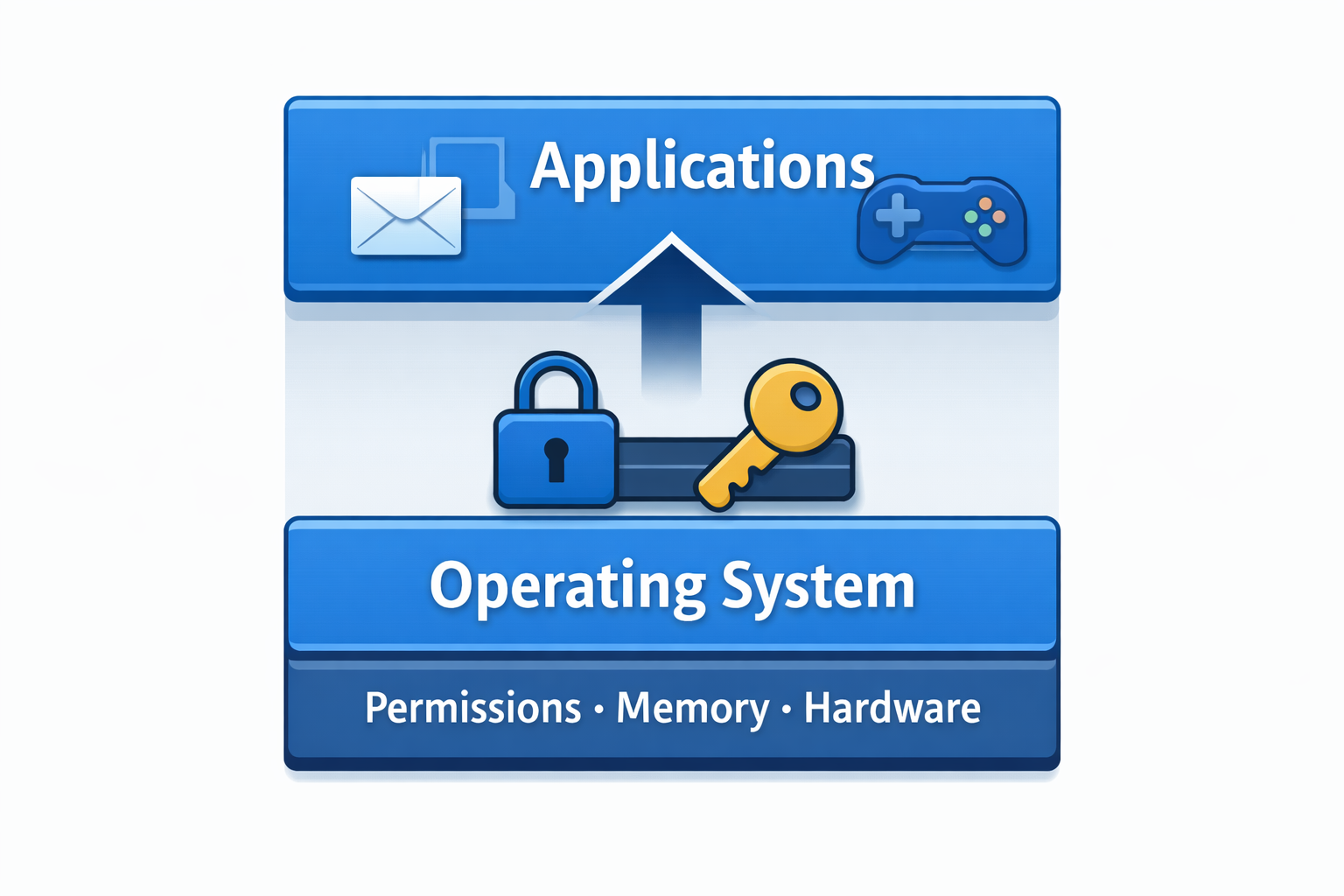
Applications are what users interact with (browsers, email, office apps, games). They don’t control hardware directly. They ask the OS for permission to use files, memory, the network, and devices.
Operating System (OS)
The OS is the gatekeeper. It manages CPU time, memory (RAM), files, devices, users, and permissions. This is why patching matters: many updates fix OS-level weaknesses that attackers use.
Firmware
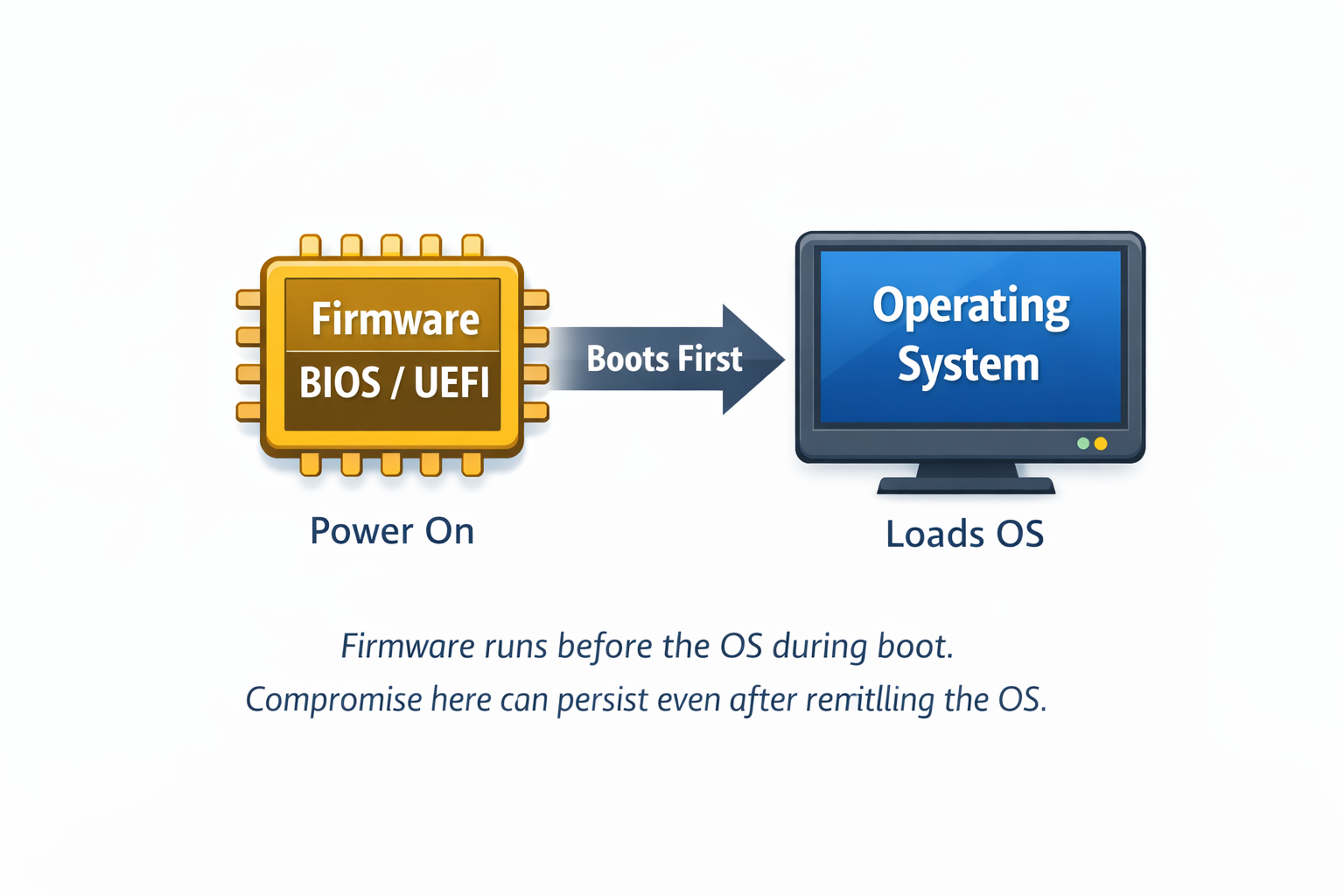
Firmware is low-level software stored on chips. It runs before the OS and helps initialize hardware during boot. Examples: BIOS/UEFI, router firmware, printer firmware.
Common beginner mistakes
- Thinking “software” only means apps
- Ignoring firmware entirely
- Assuming reinstalling Windows fixes everything
- Not understanding permission boundaries
Lesson 2 summary
- Software runs in layers.
- Applications depend on the OS.
- The OS enforces permissions and access.
- Firmware runs before the OS and helps boot/control devices.
Next up: Lesson 3
Networking Basics — IP addresses, routers, and what “traffic” actually means.
Practical: “Layer Detective”
Scenario: You’re troubleshooting (or investigating) a problem.
Task: For each situation, choose the most likely layer involved: Application, OS, Firmware, or Hardware.
Click a layer for each scenario
Scenario 1: Only Chrome crashes
“Chrome closes instantly, but Word and everything else runs fine.”
Scenario 2: “Access denied” saving
“The app works, but I can’t save into C:\\Windows unless I run as admin.”
Scenario 3: Windows won’t boot
“PC powers on, but it loops into ‘Automatic Repair’ and never reaches the desktop.”
Scenario 4: Before Windows even starts
“It never gets to Windows—just a black screen or a BIOS/UEFI message.”
Scenario 5: Router acts weird
“The router keeps rebooting and settings won’t stay saved.”
Scenario 6: Random shutdowns
“It shuts off randomly—no error—especially under load.”
Scenario 7: One app can’t connect
“Web browsing works, but the email app won’t send or receive.”
Scenario 8: Problems after an update
“After Windows updated, multiple devices/apps started failing.”
Lesson 2 Quiz
1) Where do applications run in the software stack?
2) Which layer is primarily responsible for enforcing permissions and access to resources?
3) Which statement best describes firmware?
4) Why can firmware compromise be especially difficult to remove?
5) Phishing most commonly begins in which layer?
6) What is the biggest security implication of an operating system compromise?
Your Score: 0/6
Status: Not graded